Coming from AeroSpace
Import your config
Bring your AeroSpace gaps, layout, rules and keys over to mielwm in one step.
On the first launch
The very first time mielwm starts, before it has a config of its own, it looks for ~/.config/aerospace/aerospace.toml, or ~/.aerospace.toml. If it finds one, it imports the gaps, the layout and the rules on its own and tells you what it took. It leaves the keys alone, since mielwm's defaults already match AeroSpace's.
Importing later
- Open Settings > AeroSpace.
- Under AeroSpace, click Import… next to Import from AeroSpace. The line above the button shows which file it reads.
- Read the list of what will change, and click Import to apply it, or Cancel.
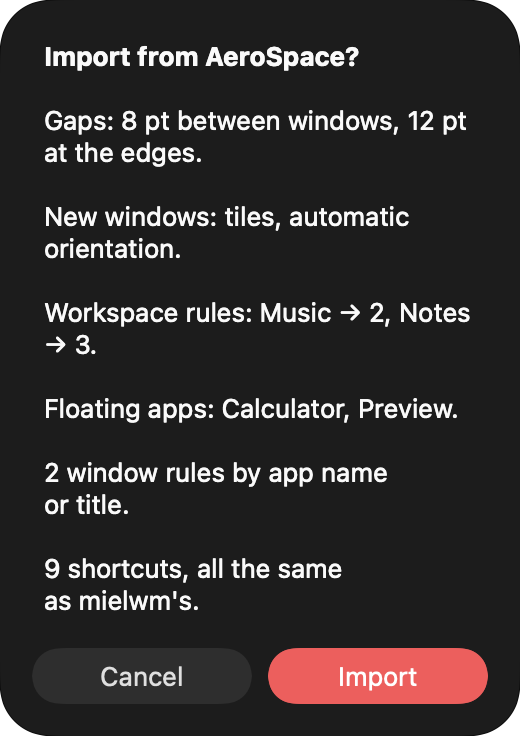
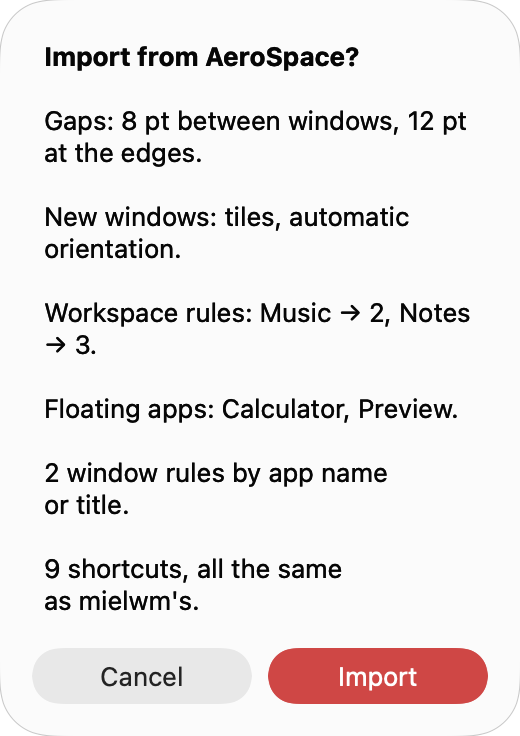
Importing again replaces the rules an earlier import added. Settings you changed yourself stay unless the import has a value for them.
What it reads
Gaps
[gaps] becomes the gaps in Settings > Layout, including AeroSpace's per-monitor form. monitor."built-in" becomes the built-in display's top gap, and the plain value the other displays' top gap.
Layout
default-root-container-layout becomes Settings > Layout > New windows, with accordion becoming a stack. default-root-container-orientation becomes the orientation.
Window rules
Each [[on-window-detected]] block turns into one of these:
| AeroSpace | mielwm |
|---|---|
if.app-id with run = "move-node-to-workspace N" |
The app in Settings > Windows > Workspace rules. |
if.app-id with run = "layout floating" |
The app in Settings > Windows > Floating apps. |
if.app-name-regex-substring or if.window-title-regex-substring |
A window rule with the same run. |
Blocks with other conditions or commands are skipped.
Keys
[mode.main.binding] keys whose command mielwm has come over as shortcuts:
| AeroSpace | mielwm action |
|---|---|
focus left and the other directions |
Focus |
move left and the other directions |
Move window |
workspace N, workspace next, workspace prev |
Go to workspace, Next and Previous workspace |
workspace-back-and-forth |
Last workspace |
move-node-to-workspace N |
Move window to workspace, also as the first of several commands |
layout tiles, layout accordion, layout floating |
Tiles, Stack, Float or tile |
fullscreen |
Fullscreen |
resize smart +50, resize smart -50 |
Grow, Shrink |
resize smart|width|height with any other amount |
resize with the same amount |
close |
Close window |
macos-native-minimize |
Minimize window |
A workspace key with --auto-back-and-forth turns on Settings > Layout > Workspace key goes back. alt-tab keeps mielwm's window switcher, since that's what ⌥Tab does here.
What it skips
Binding modes, such as service mode, and commands with no mielwm action, like join-with and split, aren't imported. What's different lists what mielwm does its own way.