Get started
Introduction
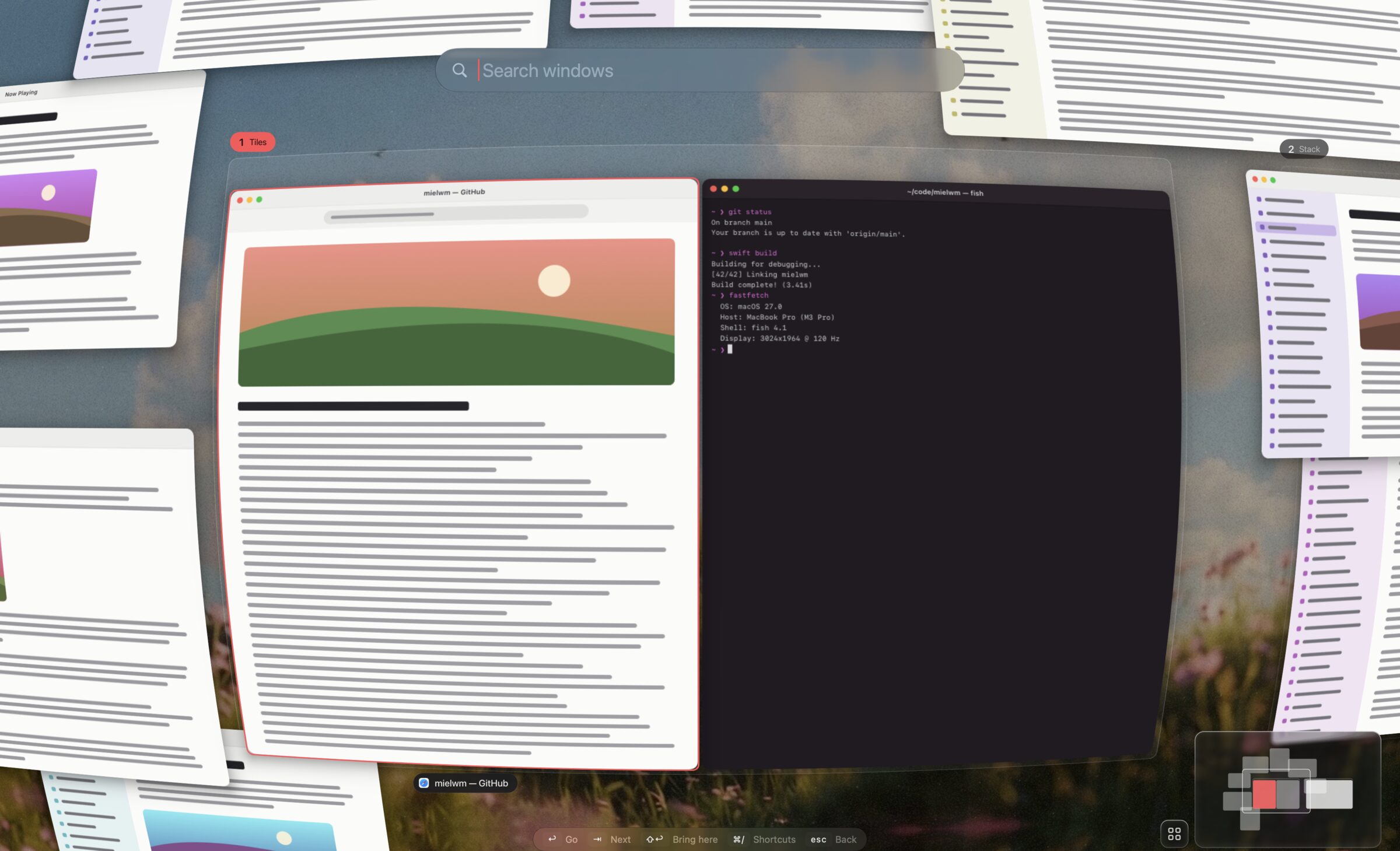
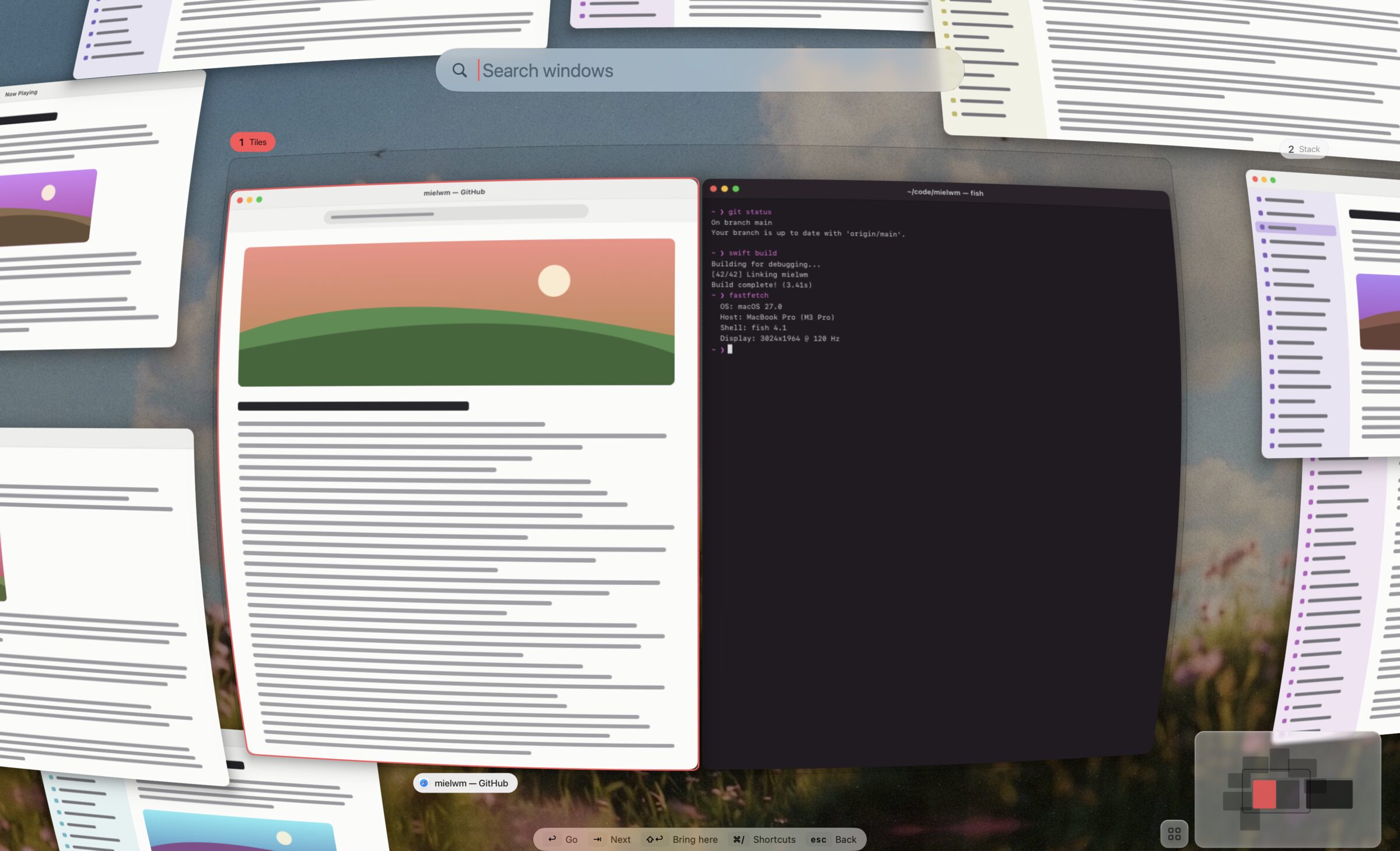
mielwm tiles your windows into numbered workspaces, the way AeroSpace does, on one canvas you can zoom out of to see every window at once.
Start here
mielwm runs on macOS 15 or later. It needs two permissions, and the keys follow AeroSpace's, so ⌥1 goes to workspace 1 and ⌥/ tiles. These pages take you from the download to your first workspace switch.
- InstallDownload mielwm, open it once past macOS's check, and keep it up to date.
- First stepsGive mielwm its two permissions, set up macOS the way it likes, and try the keys you'll use most.
Use it every day
A workspace holds a few windows and lays them out as tiles, as a stack, or lets them float. You switch with ⌥1 to ⌥9 or a three-finger swipe, and zoom out with ⌃⌥G when you've lost track of something.
- WorkspacesNumbered workspaces hold your windows, side by side on one canvas, and you switch between them with a key or a swipe.
- Layouts and gapsTile a workspace's windows, set the gaps around them, and leave room for a status bar at the top.
- StacksA stack shows one window at a time at full size, like AeroSpace's accordion, with a strip that tells you where you are.
- Floating windowsLet a window keep its own size and place, and choose which apps always float or always open on one workspace.
- Focus and switchingMove between windows with the arrows, jump back to the last one with ⌥Tab, and decide what happens at a workspace's edge.
- The overviewZoom out to see every window at once as a live picture, then search or point to go anywhere.
- KeyboardEvery shortcut mielwm has, and how to change them.
- Trackpad and mouseSwipe between workspaces with three fingers, and use the pointer to move windows and the canvas.
- Menu bar and indicatorsWhat the mielwm menu bar item shows, what's in its menu, and the notices that appear over your windows.
Coming from AeroSpace
Most of your AeroSpace setup carries over. mielwm reads your AeroSpace config, and menu bars that show AeroSpace's workspaces can show mielwm's instead.
- Import your configBring your AeroSpace gaps, layout, rules and keys over to mielwm in one step.
- What's differentmielwm follows AeroSpace's keys and model, adds a canvas you can zoom out of, and leaves a few AeroSpace features out.
- AeroSpace-compatible appsMenu bars and widgets built for AeroSpace can show mielwm's workspaces and switch between them, with no plugin to install.
Look things up
Every setting in the Settings window and the config file, every command, and what mielwm costs your Mac.
- SettingsEvery pane of the Settings window, what each setting does, and its name in the config file.
- Configuration fileEvery setting lives in one JSON file that you can edit by hand or through Settings.
- Window rulesFloat a window or send it to a workspace by its app's name, its bundle id or its title, like AeroSpace's on-window-detected.
- Command lineThe mielwm command controls the running app from a terminal, a script or another tool.
- PerformanceHow much CPU and memory mielwm uses, and how to check it on your own Mac.
When something's off
Check here first. If your problem isn't listed, the changelog may already have the fix.